
Does DTF Reduce Spoilage or Misprints Compared to Screen Printing?
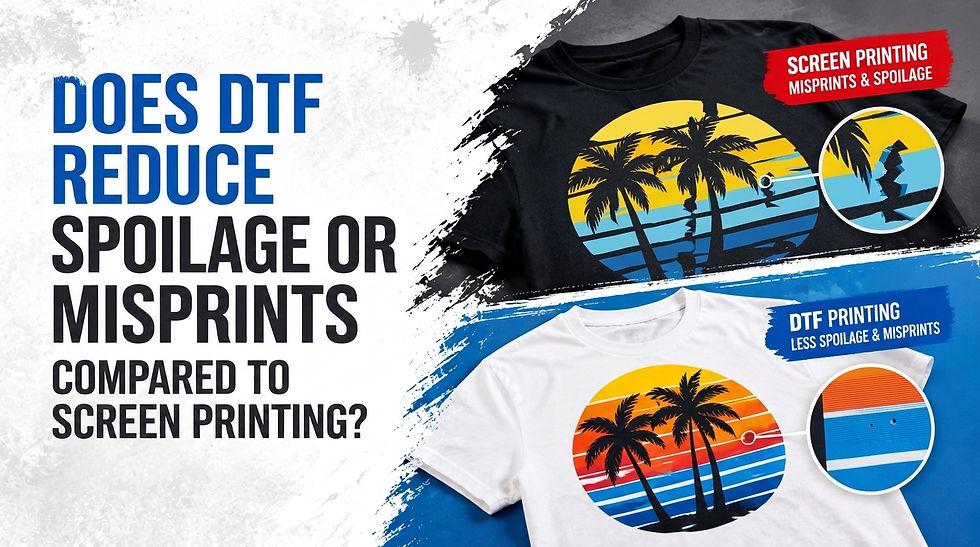
Quick answer: Yes. DTF (Direct-to-Film) printing typically produces fewer misprints and less spoilage than screen printing because it removes registration and multi-screen alignment, the leading causes of screen printing rejects. DTF still carries a spoilage rate of roughly 5% to 10%, mostly from heat, pressure, or curing errors, but that waste happens earlier and cheaper, at the film stage, before a garment is touched.
This blog covers why DTF reduces waste, where screen printing still wins, the numbers behind spoilage in both methods, and how to lower your reject rate with the right DTF supplies.
DTF vs Screen Printing: What Are You Actually Comparing?
Before comparing spoilage rates, it helps to define both methods clearly:
DTF printing is a digital process. A design prints onto a special film using DTF ink, gets dusted with adhesive powder, cured, then heat-pressed onto a garment.
Screen printing is a manual, mesh-based process. Each color in a design needs its own screen, and ink is pushed through each screen by hand or press, layer by layer.
The core difference: DTF prints digitally from a file, while screen printing depends on physical screens aligned and maintained by hand. That difference is why their spoilage patterns look so different.
What Causes Spoilage and Misprints in Screen Printing?
Screen printing spoilage almost always traces back to setup, not the ink itself. Every color needs its own screen, and every screen has to be aligned correctly before a single shirt prints.
Common causes include:
Misregistration. Screens shift during clamping or lose tension mid-run, causing colors to fall out of alignment. This is the single most common cause of rejected multi-color prints.
Uneven ink deposit. Nonparallel press components or inconsistent squeegee pressure create patchy coverage.
Screen reclaiming errors. Leftover emulsion or poor washout causes pinholes and dirt marks on the next job.
Setup time. Each new design needs 30 to 60 minutes of screen prep, and any mistake here carries through the entire batch.
These failures often surface mid-run, so screen printing spoilage tends to waste garments, not just materials.
Why Does DTF Printing Typically Produce Fewer Misprints?
DTF removes the two variables that cause most screen printing failures: manual screen alignment and per-color registration. This changes the error profile in three ways:
No registration to fail. DTF prints the full-color design in one digital pass, so there is no color-to-color alignment to manage. Registration failure simply does not apply the same way.
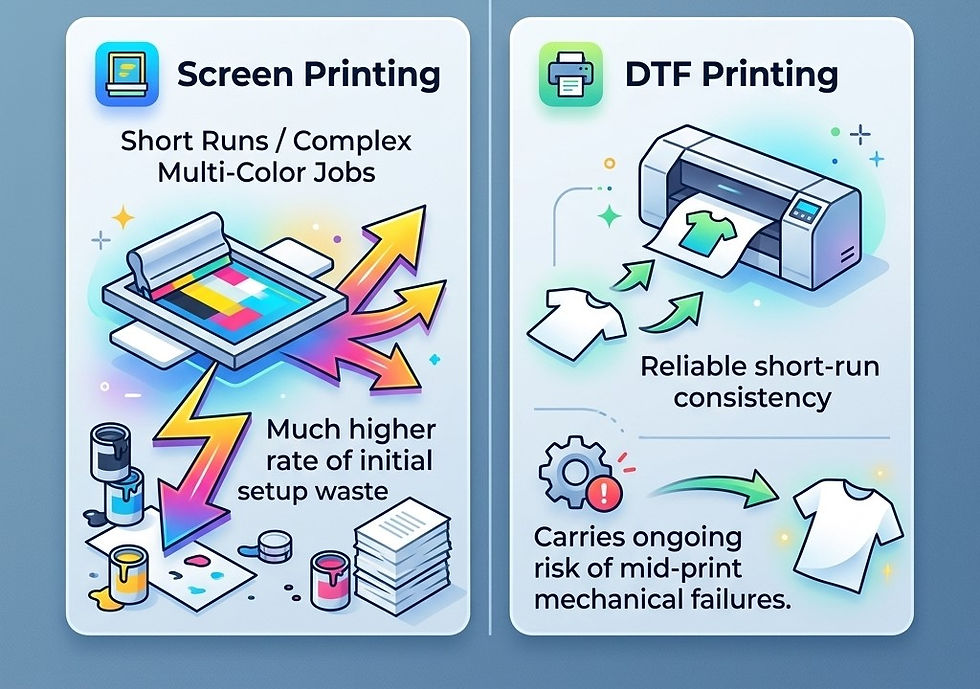
Consistency across small runs. Screen printing setup cost is fixed per screen, so short runs spread that risk across fewer garments. DTF prints one shirt as easily as one hundred, using the same file and settings every time.
Inspection before application. DTF transfers print onto film first and can be checked before touching a garment. A flawed transfer costs film and ink; a flawed screen registration usually costs a finished shirt.
DTF vs Screen Printing: Spoilage Comparison
Factor | DTF Printing | Screen Printing |
Typical spoilage rate | 5% to 10% per batch | Varies; concentrated in setup, not ongoing runs |
Main failure point | Heat, pressure, curing, adhesion | Registration, screen alignment, reclaiming |
Where waste occurs | Film and ink stage (before garment) | On the garment itself, mid-run |
Best order size for low waste | Small to mid-size runs, 1 to 100 units | Large runs, 500+ identical units |
Setup cost per design | Minimal, digital file only | $2 to $5 per screen, plus 30 to 60 min labor |
Consistency across colors | High, single digital pass | Depends on registration accuracy |
The pattern is clear: DTF relocates spoilage, from the finished garment to cheaper upstream materials, while screen printing concentrates risk in setup and registration.
When Does Screen Printing Still Win on Waste?
Screen printing is not obsolete. On large, single-design orders (500-plus identical shirts), setup cost amortizes to almost nothing per unit, and a well-maintained press runs thousands of consistent prints with minimal per-unit spoilage. High-volume, single-SKU orders still favor screen printing.
DTF, by contrast, earns its keep on:
Small batch and one-off orders
Multi-color and photorealistic designs
Frequent design changes
On-demand or print-on-demand fulfillment
How Can You Minimize DTF Spoilage?
Most DTF failures are preventable. If you are seeing peeling, cracking, or misalignment, check these first:
Heat press temperature and dwell time. Incorrect heat is the leading cause of post-wash peeling.
Pressure consistency. Uneven pressure causes partial adhesion, especially on textured fabrics.
Powder application. Too little adhesive powder weakens the bond; too much causes stiff, cracking prints.
Film and ink quality. Low-grade film absorbs ink unevenly, leading to color shifts and cracking after washes.
Curing consistency. Under-cured transfers look fine off the press but fail within a few wash cycles.
Using tested DTF film, inks, and powders removes one of the biggest variables in your spoilage rate before you touch your equipment settings. Sourcing matters as much as technique. Alpha Print Supply stocks reliable DTF films, adhesive powder, and inks built for consistent adhesion and color accuracy, so your press settings are not fighting inconsistent materials.
Final Verdict: Fewer Failures, Not Zero Failures
DTF printing generally reduces spoilage and misprints compared to screen printing, mainly by removing registration error and making short runs just as reliable as long ones. But DTF introduces its own failure points around heat, pressure, and material quality. The real advantage is predictability: the same file, the same settings, and fewer variables between your design and the finished shirt.
If you are weighing DTF against screen printing, the decision comes down to order size and design complexity, not one method being universally "better."
Ready to Cut Your Reject Rate?
Spoilage eats into margin quietly, one misprinted shirt at a time. Whether you are troubleshooting adhesion issues or setting up your first DTF workflow, the right materials make the difference between guessing and consistent results. Alpha Print Supply offers a complete range of DTF printers, premium consumables, and expert solutions. Reach out to our team today to build or grow your printing business with confidence.
Frequently Asked Questions
Does DTF printing really have less waste than screen printing?
DTF generally produces fewer garment-level rejects because it removes screen registration, the top cause of screen printing misprints. However, DTF still carries 5% to 10% spoilage from film, adhesion, or curing errors, so waste is reduced, not eliminated.
What is the average spoilage rate for DTF printing?
Industry data points to a 5% to 10% spoilage rate for DTF production batches. Most of this comes from peeling, cracking, or misalignment during the heat-press application, not the digital printing step itself.
Why do screen-printed shirts get misprinted more often on small orders?
Screen printing setup costs, including screen creation and registration, are fixed per design regardless of order size. On small runs, that fixed error risk spreads across fewer shirts, raising the effective misprint rate per unit compared to larger batches.
Is DTF or screen printing better for reducing costly garment waste?
DTF shifts most failure points to film and ink, which are cheaper than a finished garment. Screen printing failures often surface after ink is already on the shirt, making the garment itself the spoilage cost, which is why DTF tends to be gentler on your material budget for small runs.
What is the single biggest factor in reducing DTF misprints? Heat press settings, specifically temperature, pressure, and dwell time, cause the majority of preventable DTF failures. Pairing correct press settings with quality film, ink, and adhesive powder addresses most spoilage issues at the source.


Comments