
How to Reduce Failed DTF Prints: 8 Proven Fixes That Work
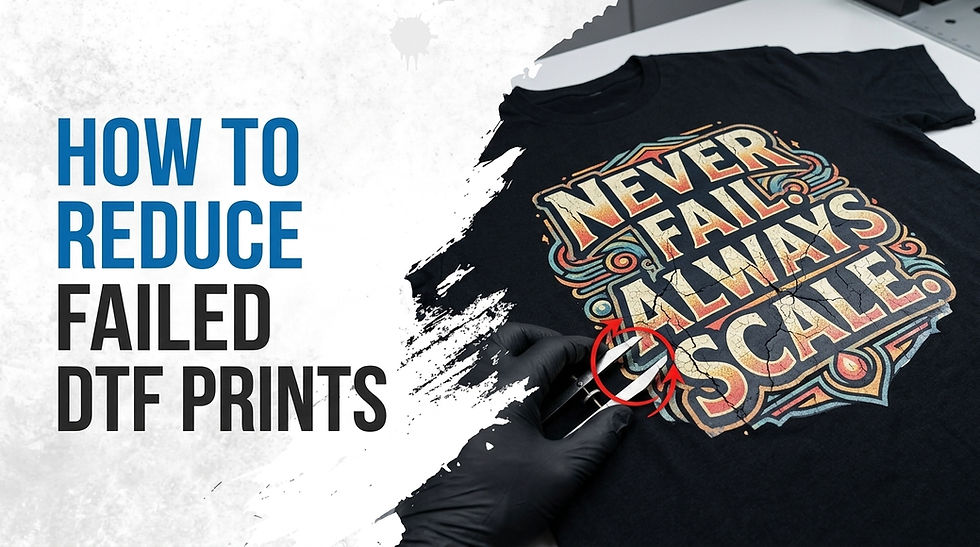
You reduce failed DTF prints by controlling four things every time: printhead health, ink quality, film and powder handling, and heat press settings. Get these right and your DTF printing failure rate drops fast, often within your very next batch. This guide breaks down exactly why DTF transfers fail and gives you a clear, step-by-step system to fix and prevent it.
What Causes Failed DTF Prints? The Root Issues
Almost every DTF print failure, whether it's cracking, peeling, dull color, or a transfer that never bonds, traces back to one of four sources:
Printhead problems: clogged nozzles, air in the lines, dirty capping station
Ink issues: settled white ink, expired ink, wrong ICC profile
Film and powder handling: uneven powder coverage, static, humidity swings
Heat press settings: wrong temperature, time, or pressure during curing
Over 60% of DTF printing complaints trace back to curing or heat press error, not the printer itself. Most failed DTF prints are preventable with a checklist, not a repair bill.
How to Reduce Failed DTF Prints: Step-by-Step
1. Calibrate Your Heat Press Every Session
Your heat press is where most DTF transfer failures surface, even if the real cause started earlier. Press at 300 to 320°F for 10 to 15 seconds with firm, even pressure. Low pressure lets the design lift or crack at the edges. Too much heat scorches the adhesive powder and makes it brittle. Check your platen for hot spots monthly using a pressure or heat map test.
2. Perfect Your Powder Application
Powder is the bonding layer between your ink and the fabric. Uneven DTF powder coverage is one of the top reasons transfers peel after the first wash.
Coat every bit of wet ink fully; missed spots won't bond
Shake off all excess powder before curing to avoid clumps and bumps
Avoid heavy buildup around fine details, which stiffens the transfer
Powder grade matters as much as technique. Fine, consistent granules melt evenly at standard curing temperatures, while low-grade powder leaves patchy adhesion you won't notice until the first wash.
3. Run a Daily Print Head and Ink Maintenance Routine
A DTF printer left idle even overnight can develop clogged nozzles from dried ink. Run a nozzle check every morning before your first job. Agitate or circulate your white ink daily since titanium dioxide pigment is heavier than CMYK ink and settles quickly. Wipe the capping station weekly to prevent dried ink buildup that causes ink drops on film. Also inspect your encoder strip weekly; a dusty strip causes banding that looks like a color problem but is really a positioning error.
4. Control Humidity and Static in Your Workspace
Environmental swings quietly ruin more DTF prints than most operators realize. Humidity below 30% causes static that sends powder flying. Humidity above 70% causes clumping and inconsistent ink flow. Keep your print room between 40% and 60% humidity, and use an anti-static bar near your film feed if static is a recurring problem.
5. Use High-Quality Film, Ink, and Powder
Cheap consumables shrink, warp, or lose elasticity under heat, showing up as cracking within weeks. Inferior inks lack the stretch needed to move with fabric, so they break instead of bending. Expired ink thickens and loses bonding strength altogether.
This is where sourcing matters. Alpha Print Supply carries film, hot melt powder, and pigment inks built for consistent adhesion and wash durability, so your results stay predictable batch after batch.

6. Set the Correct White Ink Density
Weak white underbase is a common reason colors look dull on dark garments. Set white ink density between 180% and 220% depending on how dark the fabric is. Too little white lets the garment color bleed through; too much adds unnecessary stiffness. Run a test swatch on your darkest fabric before a full production run, adjusting density in 10% increments.
7. Pre-Press Garments to Remove Moisture
Fabric holds more moisture than you'd expect, especially cotton blends. Pressing over damp fabric traps steam under the transfer and weakens the bond immediately. Pre-press every garment for 3 to 5 seconds before applying your transfer. This single step prevents a surprising share of adhesion failures.
8. Educate Customers on Wash Care
Even a flawless DTF transfer can fail after the sale if it's washed wrong. Hot water breaks down adhesive, harsh detergents strip ink elasticity, and high-heat drying bakes the print until it cracks. Include a simple wash care label: cold wash, inside out, air dry or low heat.
Daily, Weekly, and Monthly Maintenance Checklist
Frequency | Task | Why It Matters |
Daily | Nozzle check, white ink agitation | Prevents clogs and dull white coverage |
Daily | Film feed test | Stops skewing and misfeeds |
Weekly | Encoder strip cleaning | Eliminates banding from dust |
Weekly | Manual white ink line flush | Prevents sediment buildup |
Monthly | Deep clean print head | Resets performance, avoids ink starvation |
Monthly | Pressure map the platen | Confirms even heat and contact |
Skipping this routine is the fastest way back to inconsistent, failed DTF prints.
When Troubleshooting Isn't Worth Your Time
Not every shop wants to manage printhead maintenance, powder ratios, and humidity control in-house, and that's a reasonable call for smaller orders or tight deadlines. If you'd rather skip the equipment side entirely, a reliable transfer printing service can produce ready-to-press transfers to your exact specs, handling film, curing, and quality control before it reaches your heat press.
Final Thoughts: Fewer Failed Prints Start With the Right Fundamentals
Reducing failed DTF prints isn't about luck. It's about controlling four variables every time: your printhead, your ink, your film and powder, and your heat press settings. Build a maintenance habit, calibrate your press regularly, and source consumables that hold up under real production pressure. Do that, and your failure rate drops within days.
Ready to cut your failure rate for good? Explore Alpha Print Supply's complete range of DTF printers and premium consumables, built for consistent, wash-durable results, and press your next batch with confidence.
Frequently Asked Questions
1. What is the most common cause of failed DTF prints?
Poor adhesion from under-curing is the single most common cause. When the hot melt adhesive powder doesn't fully melt during pressing, the transfer never properly bonds to the fabric, leading to peeling or cracking within a few washes.
2. Why does my DTF print crack after washing?
Cracking after washing usually points to incorrect curing time or temperature, either too little or too much. Run a stretch test on a sample piece before curing a full batch, and adjust dwell time in small increments until the print holds.
3. How do I fix white ink that won't print?
Settled or hardened white pigment is almost always the cause, since titanium dioxide particles sink faster than colored ink. Shake the bottle, run your circulation function, and clean the printhead with two to three cycles; soak 15 to 30 minutes if fully clogged.
4. What humidity level is best for DTF printing?
Keep your workspace between 40% and 60% humidity. Below 30% causes static that scatters powder, while above 70% causes clumping and inconsistent ink flow, both of which increase your failure rate.
5. Can low-quality film cause DTF prints to fail? Yes. Cheap film often shrinks or warps under heat, which distorts the design and weakens adhesion. Investing in reliable film and powder from a consistent supplier reduces variability and prevents many failures before they start.


Comments