
DTF Printer Maintenance Guide: Complete Daily, Weekly & Monthly Checklist

DTF printer maintenance is the routine of cleaning, inspecting, and calibrating a direct-to-film printer's print head, ink system, and film path to prevent clogs, banding, and unplanned downtime. A reliable maintenance routine covers three layers: daily wiping and nozzle checks, weekly deep cleaning of rollers and dampers, and monthly firmware and environmental reviews. Shops that follow this rhythm consistently see fewer print head replacements, less wasted DTF film, and more usable production hours every week.
This guide breaks that routine into a simple daily, weekly, and monthly checklist so DTF print shop owners and operators always know exactly what to check and when. Alpha Print Supply, the authorized Mimaki dealer in Missouri and a trusted DTF supply partner based in Kansas City, built this checklist from years of hands-on technical support with shops running Mimaki DTF printers. Every step below reflects what actually keeps a printer producing clean, accurate transfers day after day.
Why Regular DTF Printer Maintenance Is Non-Negotiable
Direct-to-film printing relies on a delicate balance of heat, humidity, and precise ink flow through microscopic nozzles. Skip maintenance for even a few days, and dried DTF ink can clog the print head, causing banding, missing colors, or faded transfers. Beyond wasted DTF film and rework, neglected printers face costlier repairs and shortened print head lifespan. A consistent print head maintenance habit protects both your equipment investment and your daily production schedule.
Daily DTF Printer Maintenance Checklist (5 minutes)
These quick checks take a few minutes at the start and end of each shift, but they prevent most common DTF printing problems before they start.
1. Print Head and Nozzle Check
Run a nozzle check print before starting production each day. Missing or faint lines signal a partial clog that needs immediate attention. Catching this early avoids a full day of misprinted transfers and wasted film.
2. Wiper and Capping Station Cleaning
The wiper blade and capping station keep the print head sealed and free of dried ink between jobs. Wipe both with a lint-free cloth and approved cleaning solution daily, since a dirty capping station is one of the leading causes of premature nozzle clogging.
3. Ink Circulation and Agitation
White DTF ink settles quickly because of its dense pigment load. Run the printer's built-in ink agitation or shake function daily to keep pigment evenly suspended, ensuring consistent white underbase coverage on every print.
Weekly DTF Printer Maintenance Checklist (30 to 45 minutes)
Weekly tasks go beyond surface cleaning and address the components that keep ink moving smoothly through the entire system.
1. Deep Cleaning the Print Head
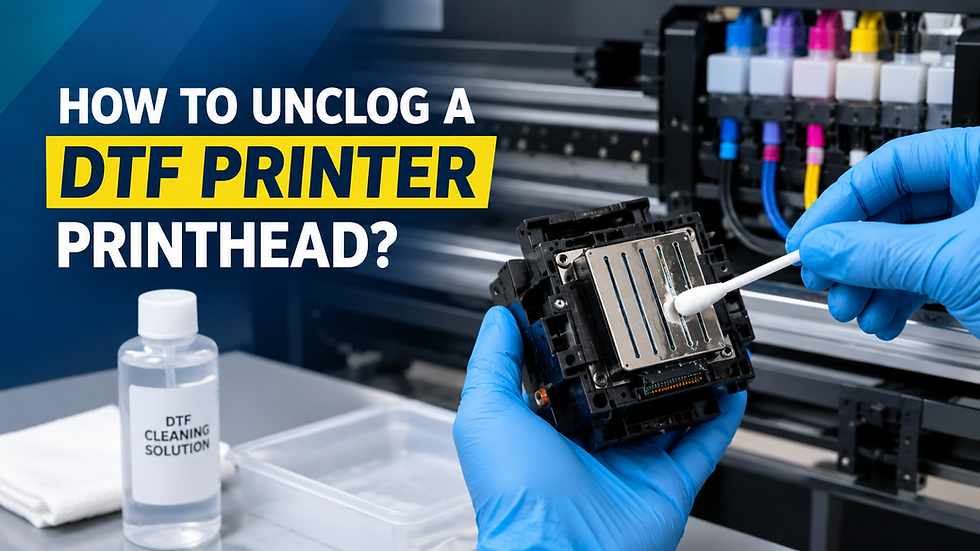
Perform a manual print head cleaning using a dedicated cleaning cartridge or solution once a week, even if daily nozzle checks look fine. This clears residue that daily wiping cannot reach and extends the life of the print head significantly.
2. Cleaning Rollers, Platen, and Film Path
Ink mist and adhesive residue build up on rollers and the platen over time, which can transfer onto film and cause smudging. A weekly wipe-down with a mild cleaner keeps the film path smooth and print quality consistent.
3. Checking Film Tension and Powder Shaker
Inspect film feed tension and the powder shaker unit for buildup weekly. Uneven tension causes misalignment, while a clogged shaker leads to inconsistent DTF powder adhesion and patchy transfers after curing.
Monthly DTF Printer Maintenance Checklist (1 to 2 hours)
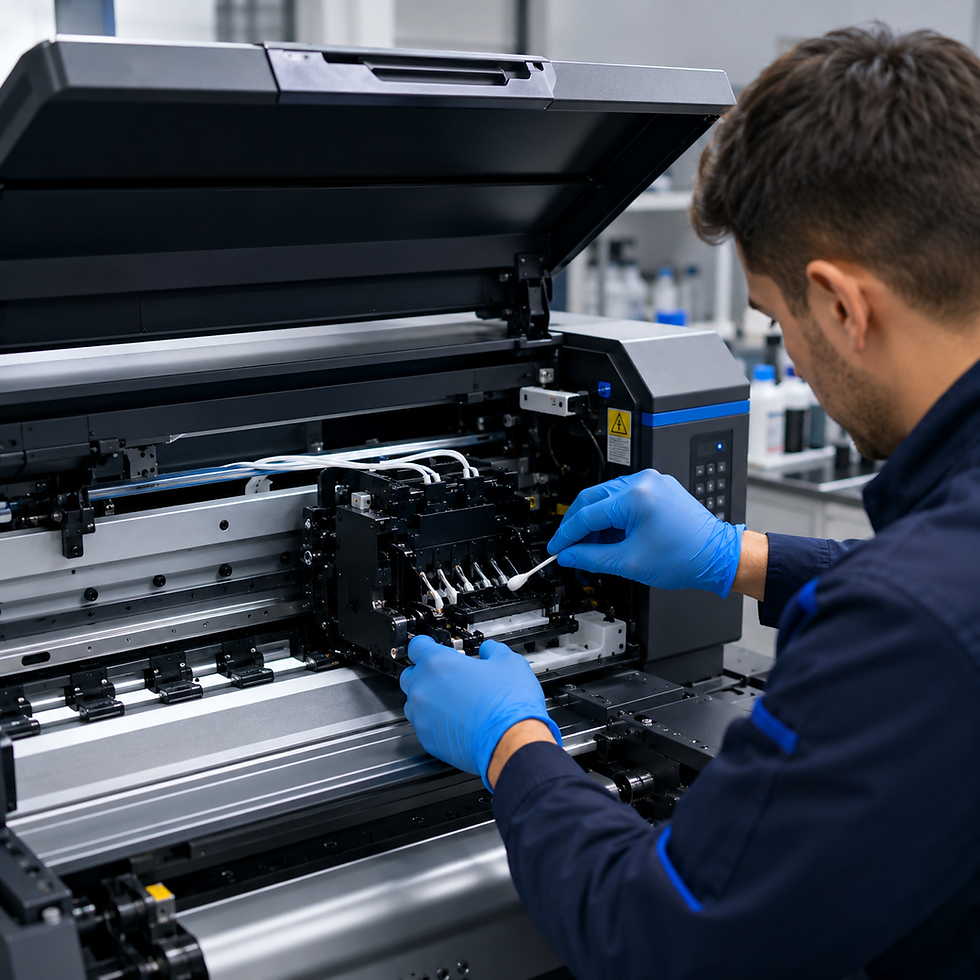
Monthly maintenance focuses on the printer's internal systems and the environment it operates in, both of which affect long-term performance.
1. Firmware and Software Updates
Check for Mimaki firmware and RIP software updates monthly. Manufacturers regularly release updates that improve color accuracy, fix known printing errors, and add support for new ink formulations.
2. Damper, Tube, and Capping Station Inspection
Inspect ink dampers and tubing for air bubbles, discoloration, or leaks each month. A compromised damper allows air into the ink line, which directly causes streaking and inconsistent color output.
3. Environmental Conditions and Ink Storage
Review your workspace's temperature and humidity monthly, since DTF inks and films perform best in stable, moderate conditions. Store unopened ink and film away from direct sunlight and temperature swings to preserve shelf life and print quality.
Common DTF Printer Maintenance Mistakes to Avoid
A few habits quietly undermine even the best checklist:
Skipping nozzle checks on busy production days
Using non-approved cleaning solutions that damage print head components
Ignoring small banding issues until they become full clogs
Storing DTF film or ink in humid or sunlit areas
Avoiding these mistakes is often the difference between a printer that lasts for years and one that needs premature part replacements.
Final Thoughts: Keep Every Print Sharp
Consistent DTF printer maintenance isn't complicated, but it does require discipline. A few minutes daily, a slightly longer weekly session, and a focused monthly review are enough to keep any Mimaki DTF printer running at peak performance. Shops that build this rhythm into their workflow spend less time troubleshooting and more time fulfilling orders. If your printer needs genuine, high-performance DTF inks and films, Alpha Print Supply is Missouri's authorized Mimaki dealer and a hands-on technical support resource for DTF shops across Kansas City and beyond.
Reach out to the Alpha Print Supply today for DTF equipment, supplies, expert troubleshooting, or guidance tailored to your specific printer model.
Frequently Asked Questions
How often should I clean my DTF printer's print head?
Print heads should be wiped daily around the wiper and capping station, with a deeper manual cleaning performed weekly. This two-layer approach removes surface residue quickly while preventing the deeper buildup that daily cleaning alone cannot reach.
What causes white ink clogging in DTF printers?
White DTF ink contains heavy titanium dioxide pigment that settles when not agitated regularly. Skipping daily ink circulation or leaving the printer idle for extended periods without a shutdown cleaning cycle is the most common cause of white ink clogs.
Can humidity really affect DTF printer performance?
Yes, both DTF inks and films are sensitive to humidity and temperature swings. High humidity can cause powder clumping and adhesion issues, while low humidity increases the risk of ink drying too quickly in the print head.
How do I know if my print head needs replacing versus cleaning?
If a deep cleaning cycle and damper inspection don't restore missing nozzle lines, the print head itself may be damaged rather than clogged. A technician can run a diagnostic test to confirm whether cleaning or replacement is the right next step.
Does regular maintenance really extend a DTF printer's lifespan?
Yes, consistent maintenance is the single biggest factor in how long a DTF printer's print head and internal components last. Shops that follow a daily, weekly, and monthly schedule typically avoid the premature part failures that neglect causes.

Comments