
Why Is DTF Ink Not Sticking to Film? Causes, Fixes, and Prevention Tips
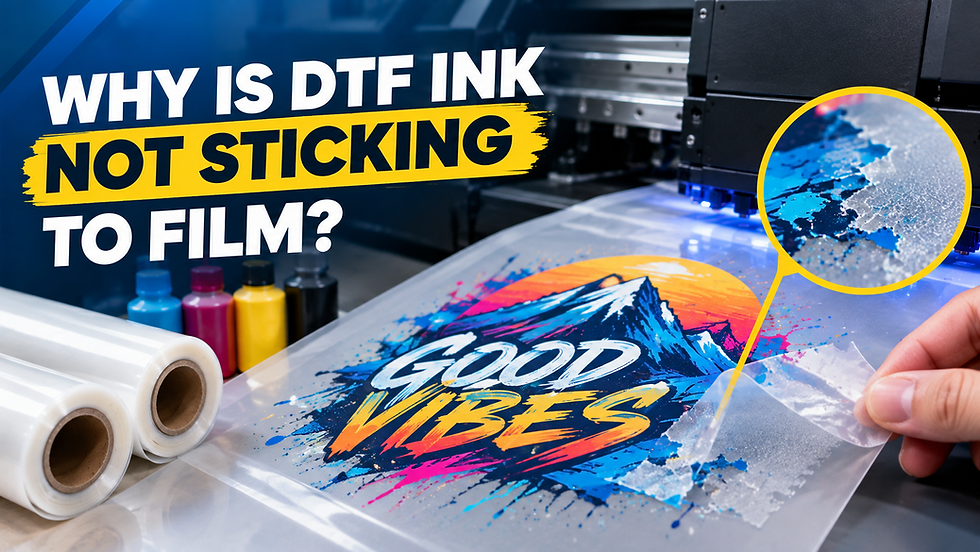
DTF ink usually fails to stick to film because of one of six things: printing on the wrong side of the film, expired or incompatible DTF ink, clogged print heads, incorrect printer or RIP settings, poor film storage that lets humidity and static build up, or low-quality film coating. Fix the specific cause and the ink bonds properly again.
This guide walks through each cause in order, shows you exactly how to test for it, and gives you the fix right alongside it. You will also learn how to prevent adhesion failures before they cost you film, ink, and production time.
6 Causes of DTF Ink Adhesion Failure and How to Fix Each One
Ink that beads up, smears, or lifts off the film almost always traces back to one of these six issues. Work through them in order.
1. Printing on the Wrong Side of the Film
DTF PET film has two sides: a coated print side and an uncoated back. The coating is what grips the ink. Print on the uncoated side and the ink sits on top instead of bonding, then flakes off during handling or curing.
Fix: Touch both sides before loading. The coated side feels slightly tacky or matte. The uncoated side feels smooth and slick, closer to standard plastic film. Reload the roll correctly and reprint a small test area.
2. Expired or Incompatible DTF Ink
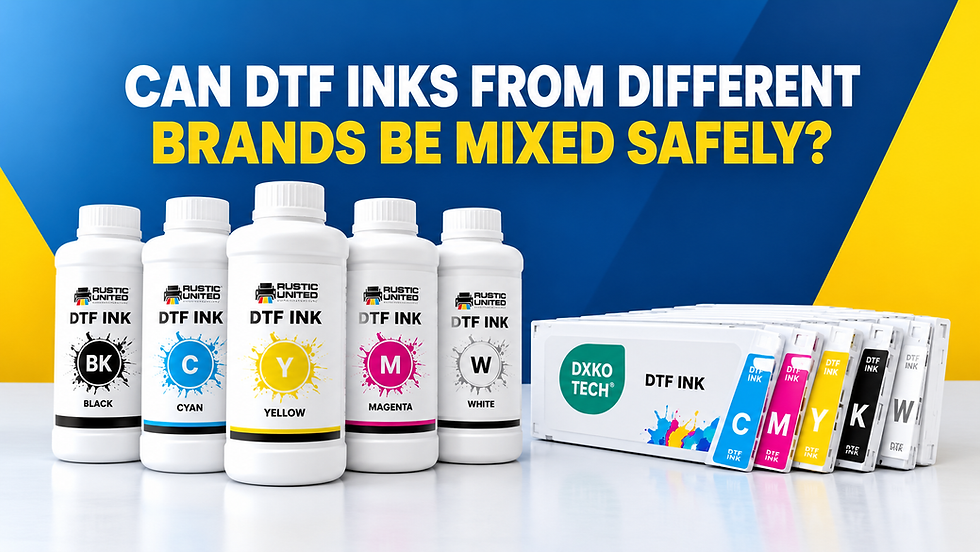
DTF ink contains pigment particles suspended in a resin binder. Once ink passes its shelf life, usually 12 to 18 months unopened, the pigment settles and the binder breaks down. The result is ink that prints but does not cure into a stable bond. Mixing ink brands in the same printer causes the same problem, since different resin chemistries can create a coating that never fully sets.
Fix: Check the batch date on any ink you refilled recently, and never blend brands in one printer. Alpha Print Supply stocks tested DTF inks formulated to bond consistently with PET film, which removes guesswork from this step.
3. Clogged or Dirty Print Heads
A partially blocked nozzle deposits less ink than your RIP software calculates, so the ink layer ends up too thin to bond fully with the film coating. You will usually notice this as light or streaky patches in solid color areas before you notice actual peeling.
Fix: Run a nozzle check and head cleaning cycle before every production session, not just when you see a problem. Daily cleaning extends both print quality and print head lifespan.
4. Incorrect RIP Software or Printer Profile
Every DTF film brand requires a specific ICC color profile and ink limit setting in your RIP software. Using a generic or mismatched profile changes how much ink lays down and in what sequence, which directly affects adhesion.
Fix: Confirm your RIP is set to the profile matching your exact film, not just "DTF film" generically. Reload the correct profile if you recently switched film suppliers, then run a test print before a full batch.
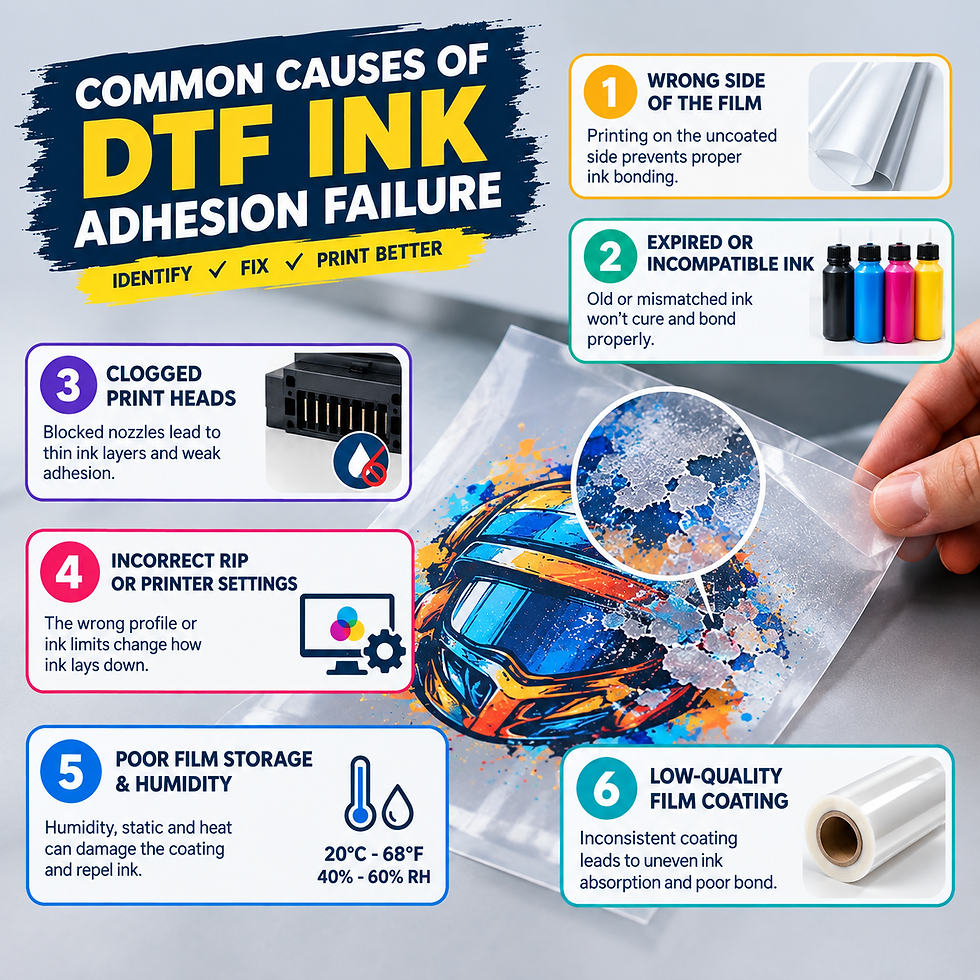
5. Poor Film Storage and Humidity Levels
DTF film should be stored at roughly 20°C (68°F) with 40 to 60 percent relative humidity. Below that range, static electricity builds up on the film surface and repels ink droplets unevenly. Above that range, moisture interferes with how the coating accepts ink. Direct sunlight or nearby heat sources degrade the coating even before you print on it.
Fix: Store rolls flat, sealed, and away from windows or heaters. Use a hygrometer at the storage location, not just the room average, since HVAC airflow creates local variation.
6. Low-Quality or Incompatible PET Film
Not every film has the same coating thickness or receptor layer quality. Thin or inconsistent coatings absorb ink unevenly, leaving some areas under-bonded even when everything else in your workflow is correct.
Fix: Switch to a film with a proven, consistent coating rather than the cheapest roll available. Alpha Print Supply carries hot peel DTF PET film with a consistent double matte coating built specifically for reliable ink lay-down and clean release after pressing.
How to Prevent Adhesion Issues Before They Start
Prevention costs less than reprinting failed jobs. Build these habits into your daily workflow:
Store film flat, sealed, and away from sunlight between production runs.
Buy ink and film in matched sets rather than mixing suppliers to save a few dollars.
Cure your adhesive powder fully after printing. Even perfect ink adhesion to film will not survive a wash cycle if the powder underneath is under-cured.
Calibrate your powder shaker so coverage stays even across every print, since uneven powder application often gets mistaken for an ink adhesion problem.
For shops applying adhesive powder by hand, an automated powder shaker removes the inconsistency that manual shaking introduces, and pairing it with quality DTF transfer powder keeps the bonding layer consistent from print to print.
When to Upgrade Your DTF Equipment
If you are troubleshooting ink adhesion weekly rather than occasionally, the printer itself may be the limiting factor. Older print heads lose precision over time, and entry-level machines often lack the ink-deposit consistency that reliable adhesion depends on.
Alpha Print Supply offers a range of standard and all-in-one DTF printers built for print shops that need repeatable results at production volume, worth reviewing if adhesion problems are cutting into your output.
Final Thoughts: Consistent Prints Start With the Right Setup
Ink not sticking to film is rarely a mystery once you isolate the variable. Check the film side, the ink age, the print head, the RIP profile, the storage conditions, and the film quality, in that order, and you will find the cause in most cases.
Reliable results come from reliable materials and equipment working together. If you want to stop guessing and start printing with confidence, Alpha Print Supply in Kansas City can help you find the right film, ink, and printer setup for your shop. Contact our team today and get every print sticking the way it should.
Frequently Asked Questions
1. Why does my DTF ink smear instead of drying on the film?
Smearing usually means the ink layer is too thick or your dryer settings are too low for full curing. Check your RIP's ink limit setting and confirm your drying temperature matches your film manufacturer's specification. Reducing ink saturation slightly often resolves this without affecting color quality.
2. Can old DTF film cause ink adhesion problems?
Yes. PET film coatings degrade with age and exposure to humidity or heat, even in sealed packaging. Film older than 12 to 18 months, or film stored outside the recommended humidity range, often shows weaker ink bonding. Always check the manufacture date on new stock before use.
3. Does printer brand affect DTF ink adhesion?
The printer itself matters less than print head condition and RIP calibration. A well-maintained entry-level printer with correct settings can outperform a premium printer running a mismatched profile. Focus on calibration and maintenance before assuming you need new hardware.
4. How do I know if the problem is the ink or the film?
Test the same ink on a fresh roll of a different film brand. If adhesion improves, the film was the issue. If it does not, the problem lies with the ink batch, your print head, or your printer settings.
5. Should I use hot peel or cold peel film to avoid adhesion issues? Peel type does not directly cause ink adhesion problems, since that failure happens during printing, before peeling ever occurs. However, using the correct peel timing for your specific film prevents a separate, related issue: ink lifting off during the peel stage after a good print.

Comments